In Our House A 'Tea Please' Call Never Goes Unanswered
Why ask for a cup of tea the boring way?
We drink a lot of tea in our house and have a rule that a "Tea Please" call never goes unanswered no matter how inconvenient. I thought I'd get myself ahead by making this 'Tea Please' beacon which sparkles into life when I am 10 minutes from home.
The sign is built into a small, deep frame, with LEDs attached in the recess. The stencil font message is cut out of plain paper and glued to lutradur fabric, both cut with a Cricut machine.
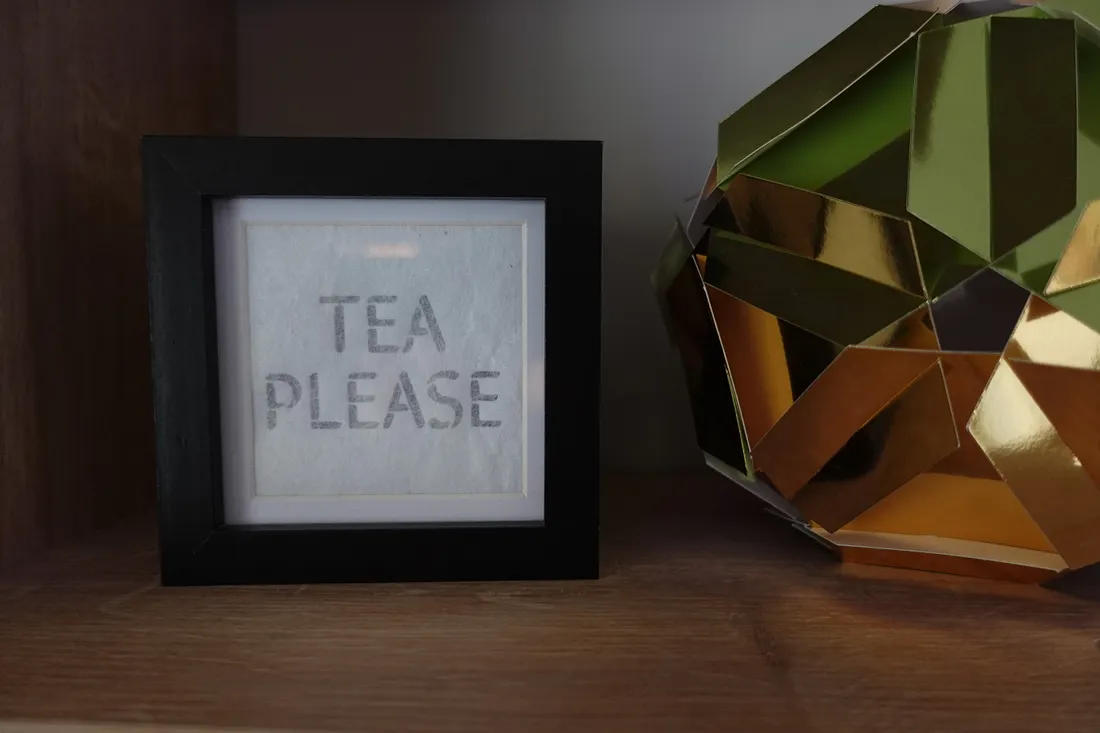
My "Tea Please" sign shares an ESP32 microcontroller with my Rotegrity International Space Station Beacon.
Combining beautiful geometry with IFTTT web hooks and the WLED JSON API
The ESP32 is flashed with WLED and controls both lights with a string of 24 addressable WS2812B RGB leds split evenly between the two models. By using 'segments' within WLED it is possible to control them as separate entities.
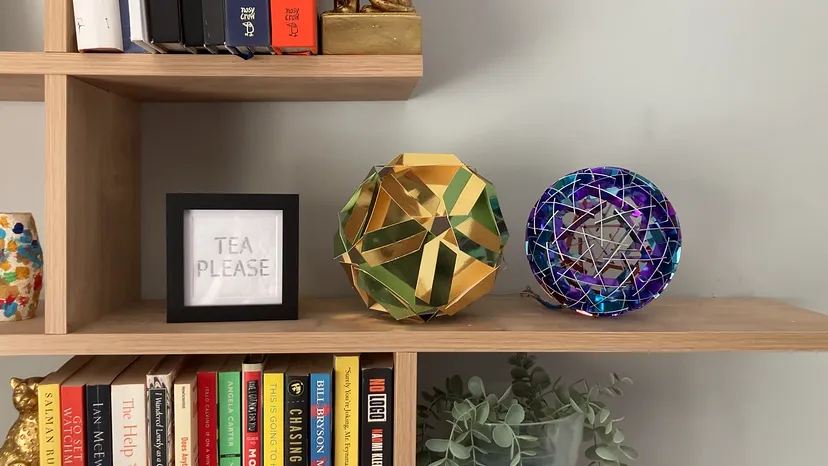
I can set both lights to be on together as an ambient background light, or I can set different presets to apply to each separately.
The lights can of course be controlled through the WLED app or visiting the local IP address of the ESP32, e.g. 192.168.1.56, and through port forwarding on a router can be controlled from anywhere on the Internet.
My TP-Link router makes this easy through the accompanying app (Advanced — NAT Forwarding — Port Forwarding).
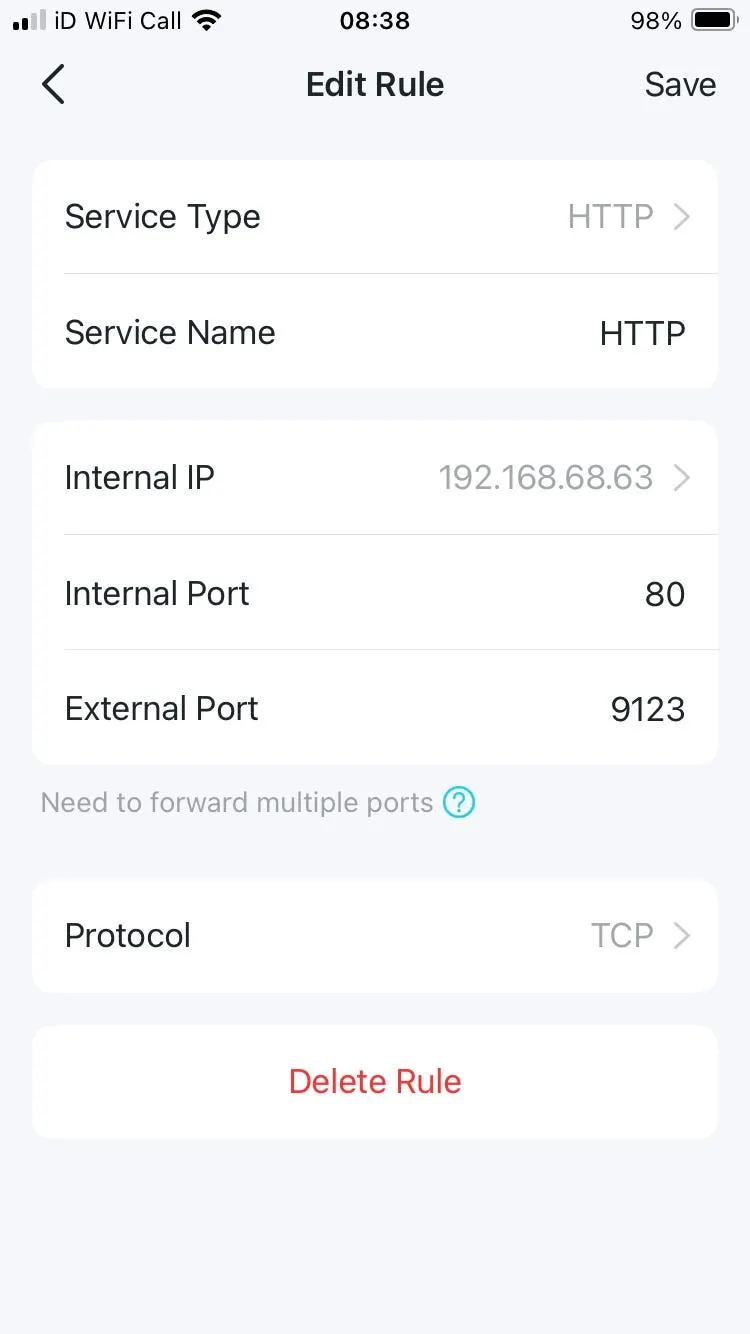
The process on other routers will be slightly different, but the principle is the same: direct all incoming traffic on a given port of the network's external IP address to the locally assigned IP address of the device with WLED installed.
The documentation advises some sensible security measures:
It is not recommended to use port 80 on your public IP address since 80 is scanned constantly by bots good and bad.
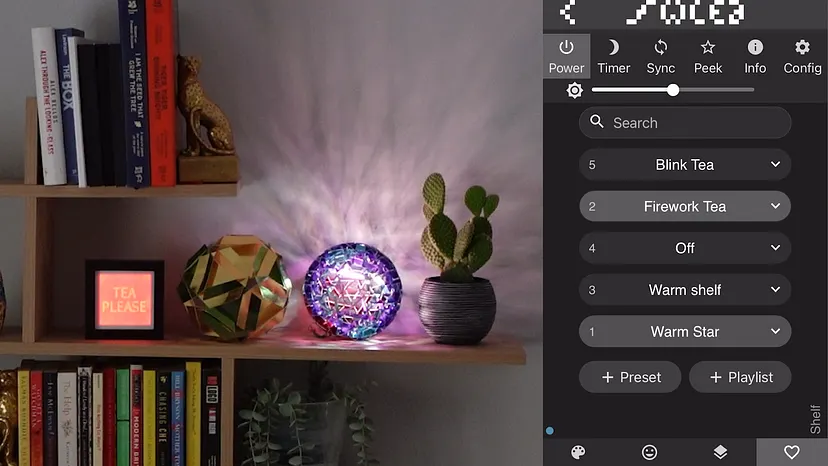
As I want the 'Tea Please' beacon to light up when I get close to home, I made use of IFTTT (If This Then That) webhooks. The If This portion of the applet is a location based trigger — I just draw a circle around Cirencester, my home town. When I enter this circle, the trigger fires.
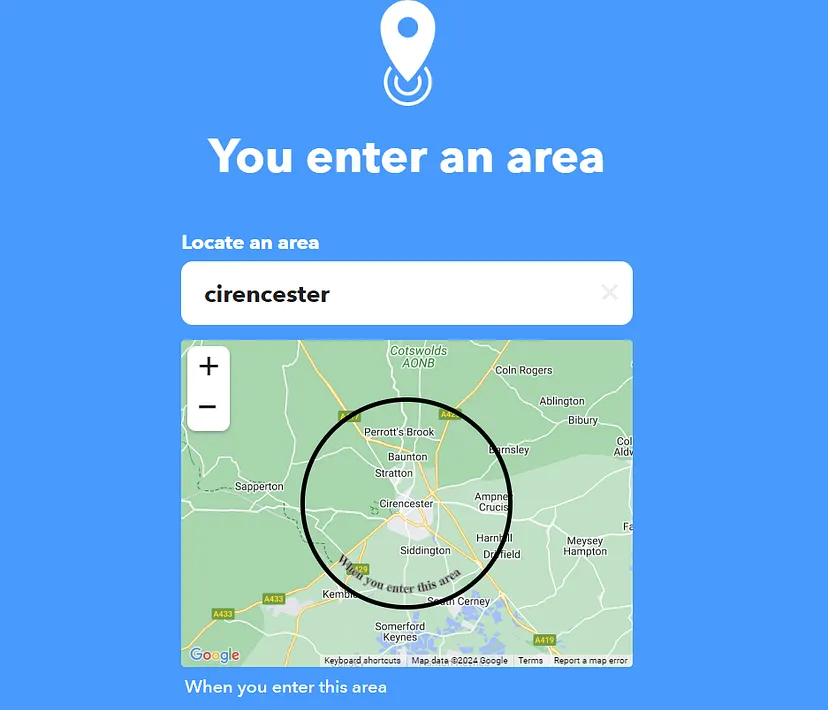
The Then That portion of the applet takes advantage of WLED's HTTP API.
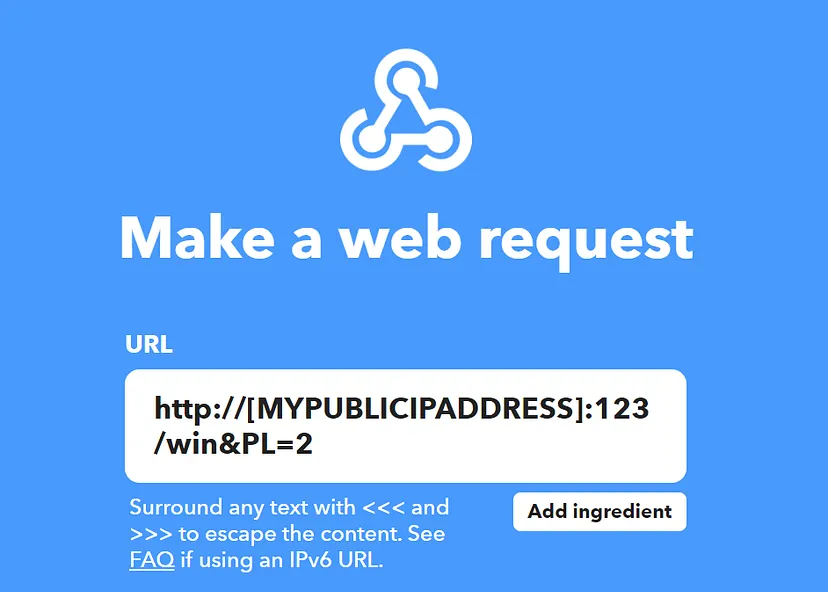
The win&PL=2 portion of the URL request tells WLED to play preset #2, causing a 'firework' effect to be triggered. For greater fine tuning there is also a JSON API, however, for my needs a simple preset is all I need.
Surely this would be unmissable to anyone at home?!

Now, as I commute home, with a bit of luck someone will see my beacon and ready me a cup of tea.